The Perfect Front-End for Your Hotel PMS
A conversion-focused WordPress theme built specifically to work with InnPress PMS. Rooms, gallery, location, and a real booking checkout — out of the box.
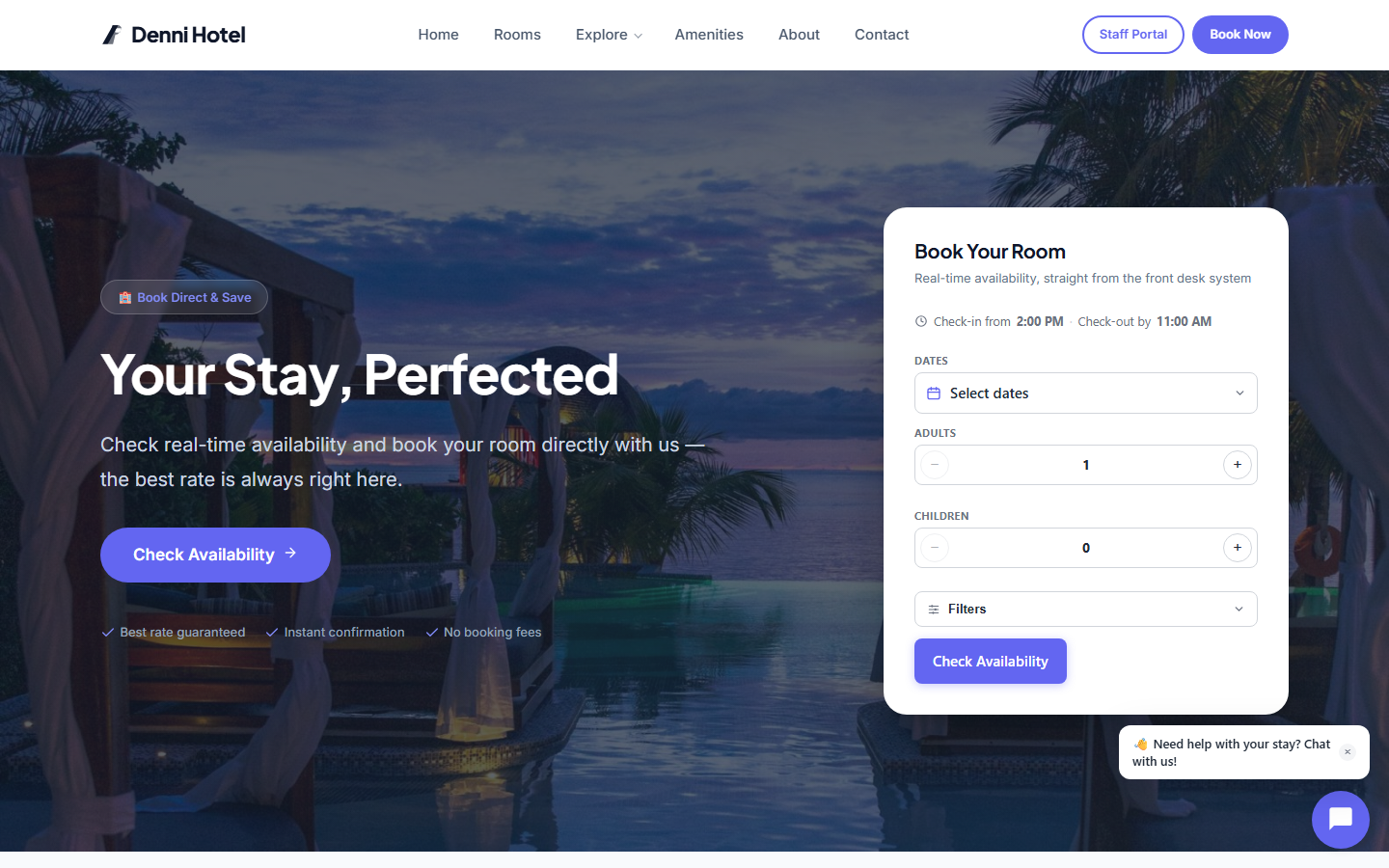
Everything Your Booking Site Needs
Built for hospitality from the ground up — not a generic theme with a booking plugin bolted on.
Rooms Grid with Live Availability
A responsive rooms page pulling live availability and pricing straight from InnPress PMS — never out of sync with the front desk.
Distraction-Free Booking Checkout
A dedicated checkout page with no site navigation or upsells in the way — just the booking, from selection to payment.
Gallery & Location Pages
A photo gallery and a location page with a map — the pages guests actually check before they book.
Multi-Property Support
Path-based URLs per property (e.g. yoursite.com/hotels/downtown/) — one WordPress install, multiple booking-ready sites.
Deep PMS Integration
A booking made on the theme lands directly in your InnPress PMS front desk, ready for check-in. No third-party plugins needed.
Customizer-Powered
Change colours, property photos, and page content from the WordPress Customizer. No code required.
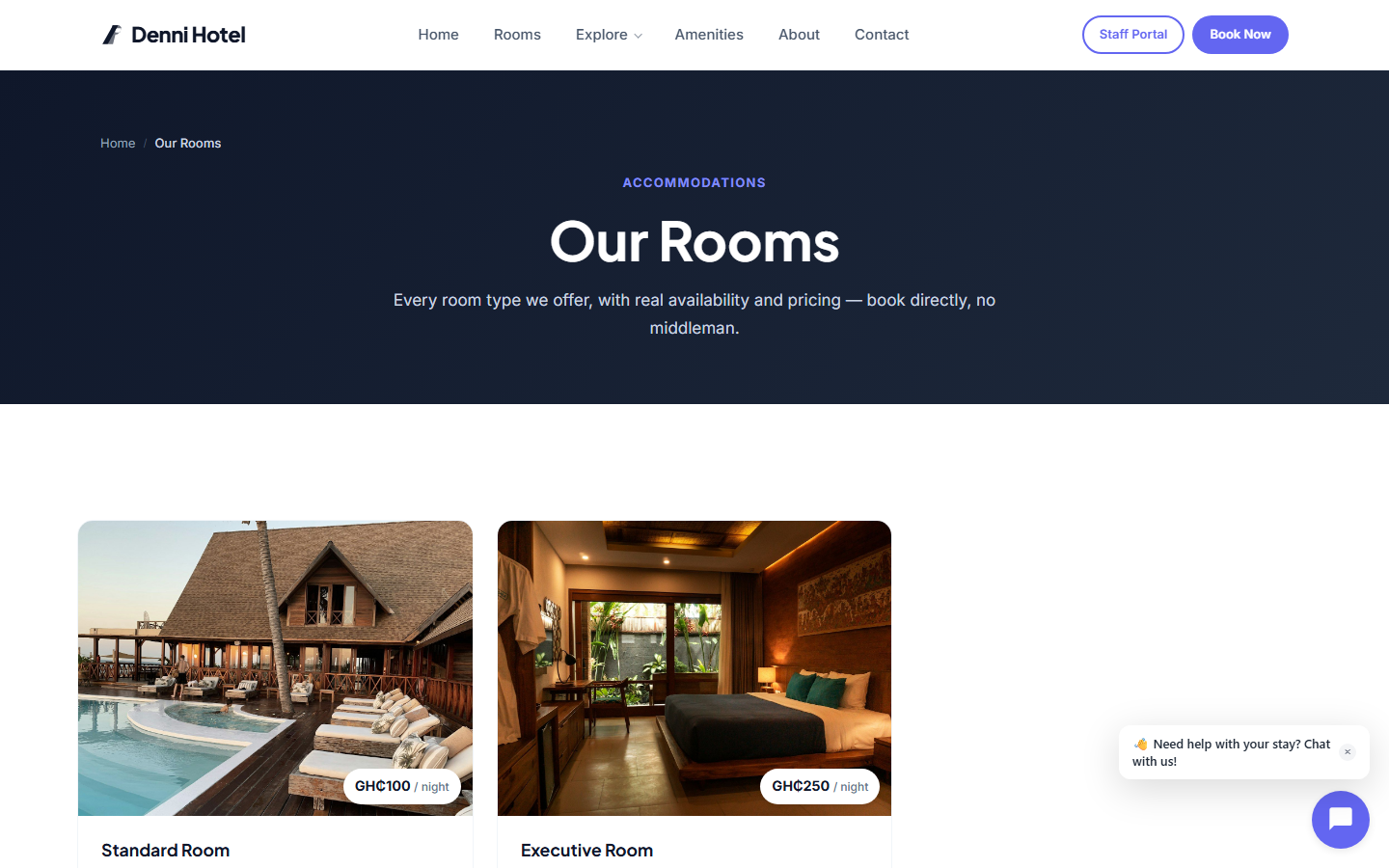
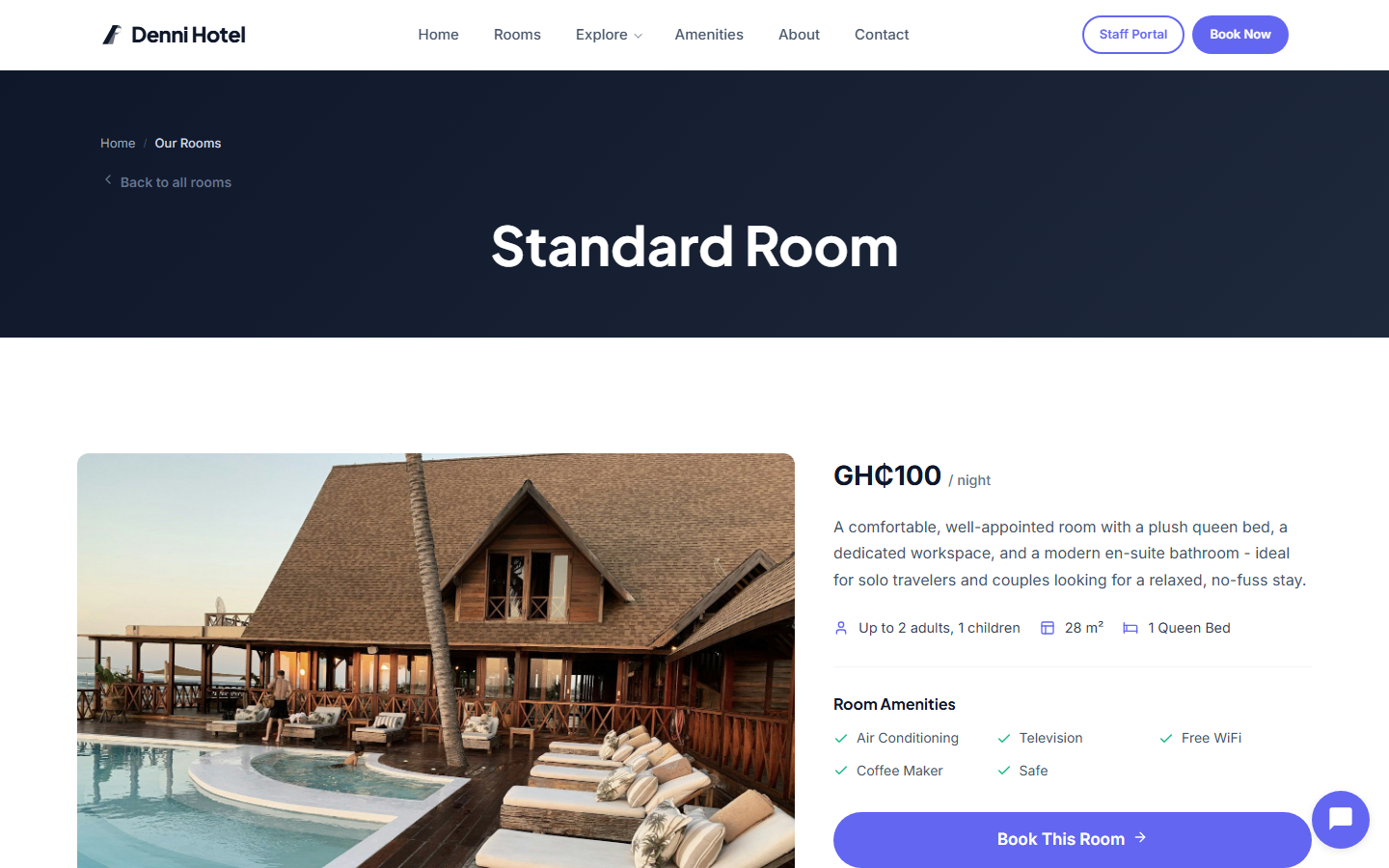
Showcase Every Room Type Beautifully
Each room type gets a dedicated detail page with a photo gallery, amenities, and a "Book Now" flow pre-selected to that room — all pulling data directly from InnPress PMS.
- Full-width photo gallery with lightbox
- Amenities list and occupancy details per room
- Book Now preselects the exact room on checkout
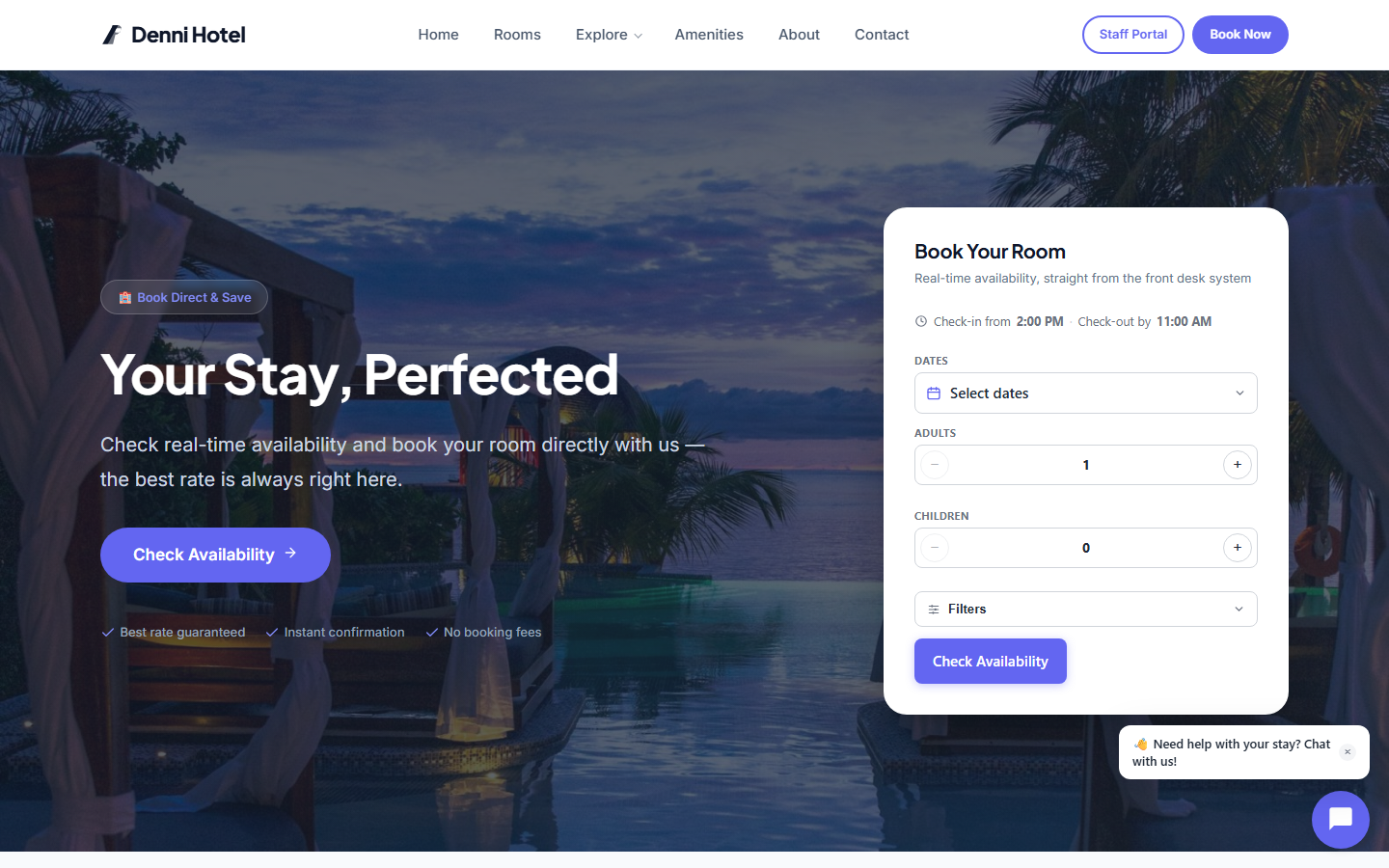
A Booking Flow With Nothing in the Way
A single, distraction-free page takes a guest from room selection through payment — no navigation, no upsells, no reason to bounce.
- No-nav /book/ page, built for conversion
- Live price sidebar as guests choose dates and add-ons
- Reservation lands directly in your front desk, ready for check-in
The Pages Guests Check Before They Book
A dedicated gallery and a location page with a map — pulled from your property's own photos and address, no manual duplication.
- Property photo gallery, wired to your PMS images
- Location page with embedded map
- SEO-friendly structured content per property
Up and Running Fast
The hospitality theme is included with your InnPress PMS license — install both, and everything connects automatically, no manual integration to wire up.
Activate the Theme
Install InnPress PMS and activate the hospitality theme. The setup wizard handles the rest.
Add Your Rooms
Add room types, rates, and photos through the PMS. They automatically appear on your site.
Start Taking Bookings
Visitors browse, book, and pay — all managed in your PMS. From listing to check-out, one system.
Ready to Launch Your Booking Site?
The hospitality theme is included with every InnPress PMS license. Download and activate both, and you are ready to take bookings.